Choose language
A random picker for the decisions that don’t need another group chat. Put your choices on a wheel, give it a spin, and see what comes up. WheelNest SNS is an Android app for dinner ideas, names, game nights, classroom activities, and your own everyday lists.
For Android phones and tablets. Google Play shows availability and compatibility for your device.
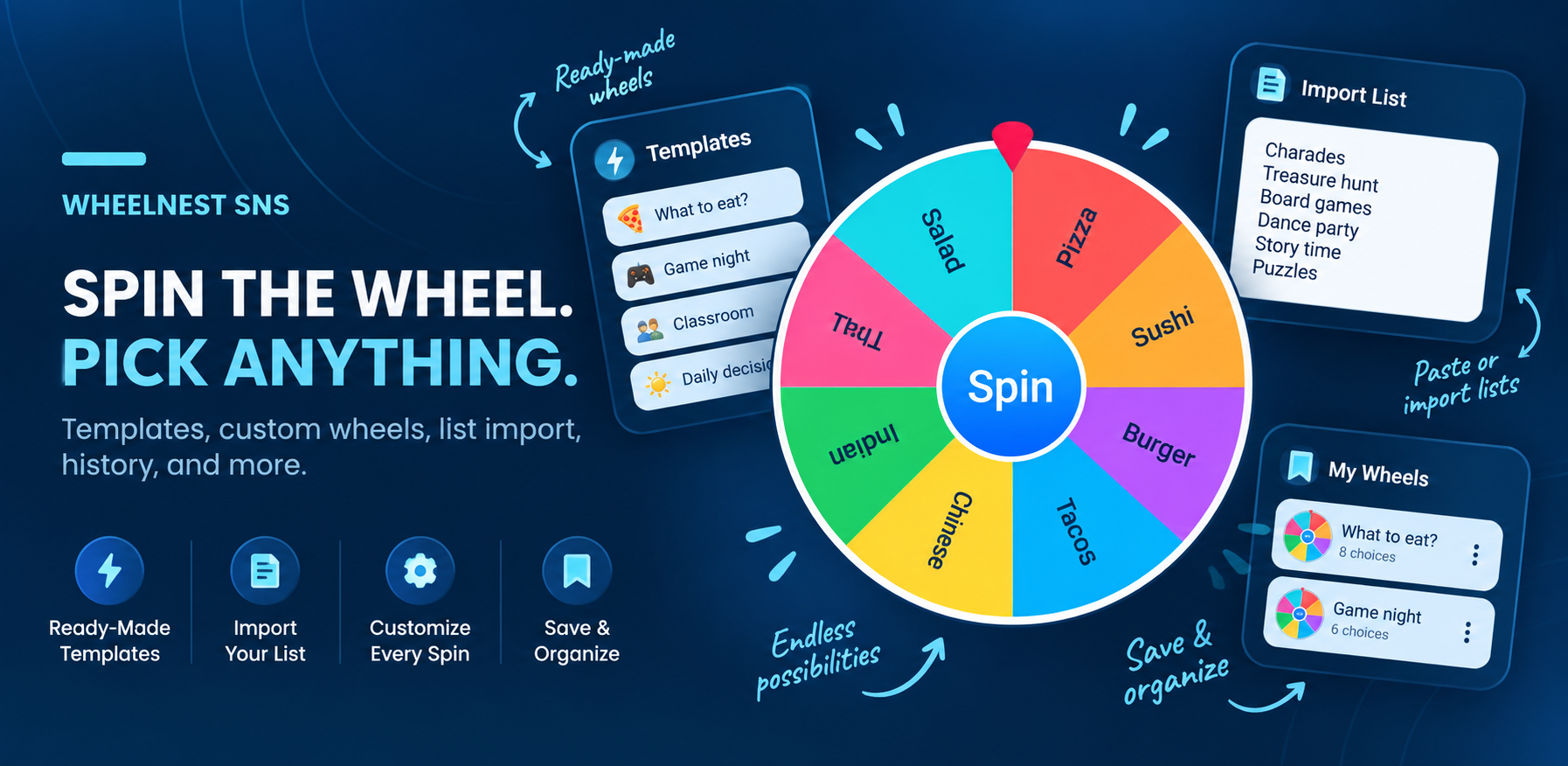
Your choices. Your wheel.
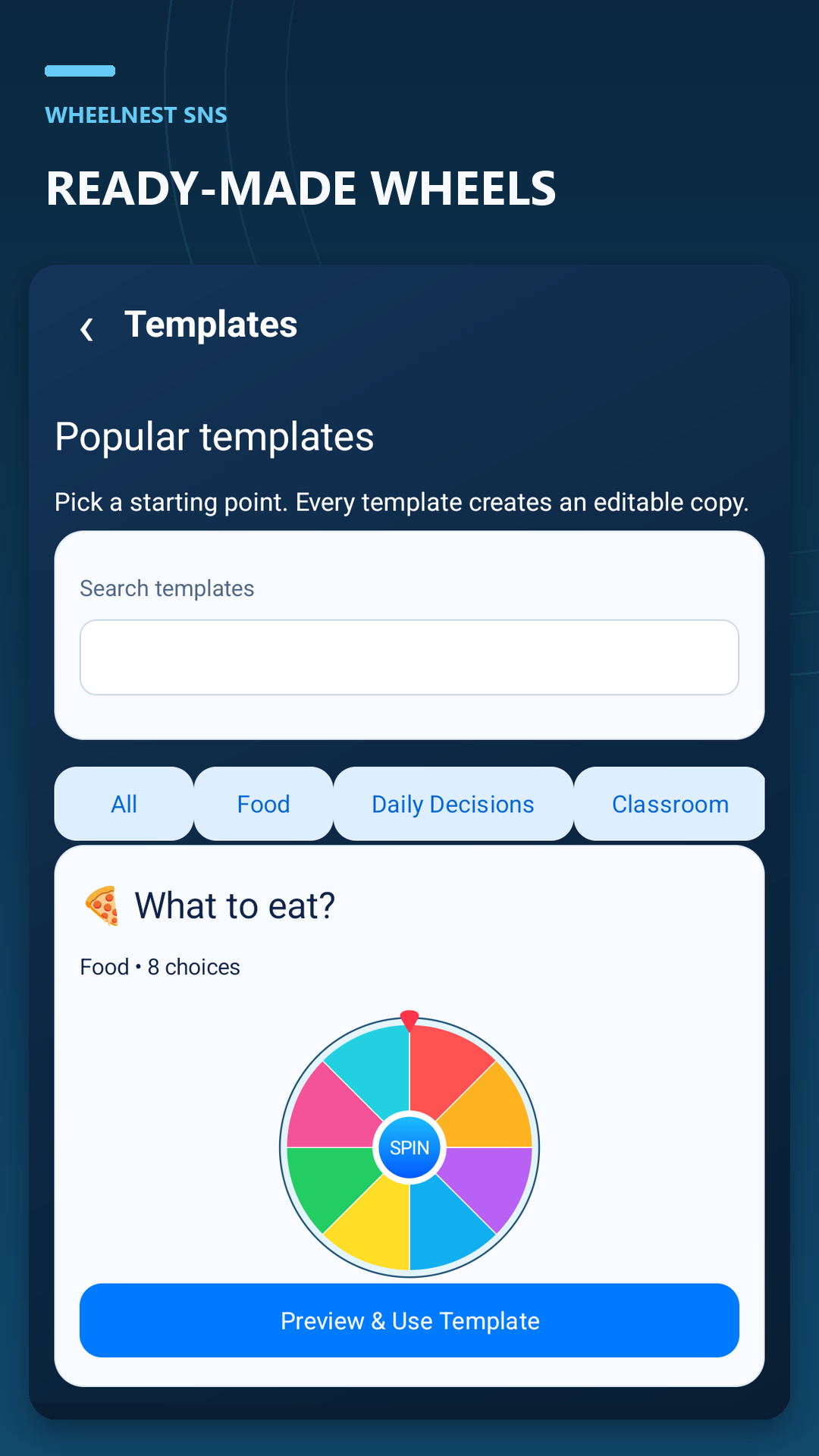
- Start with a template or create your own wheel. Keep separate wheels for meals, names, activities, or any shortlist you want to reuse.
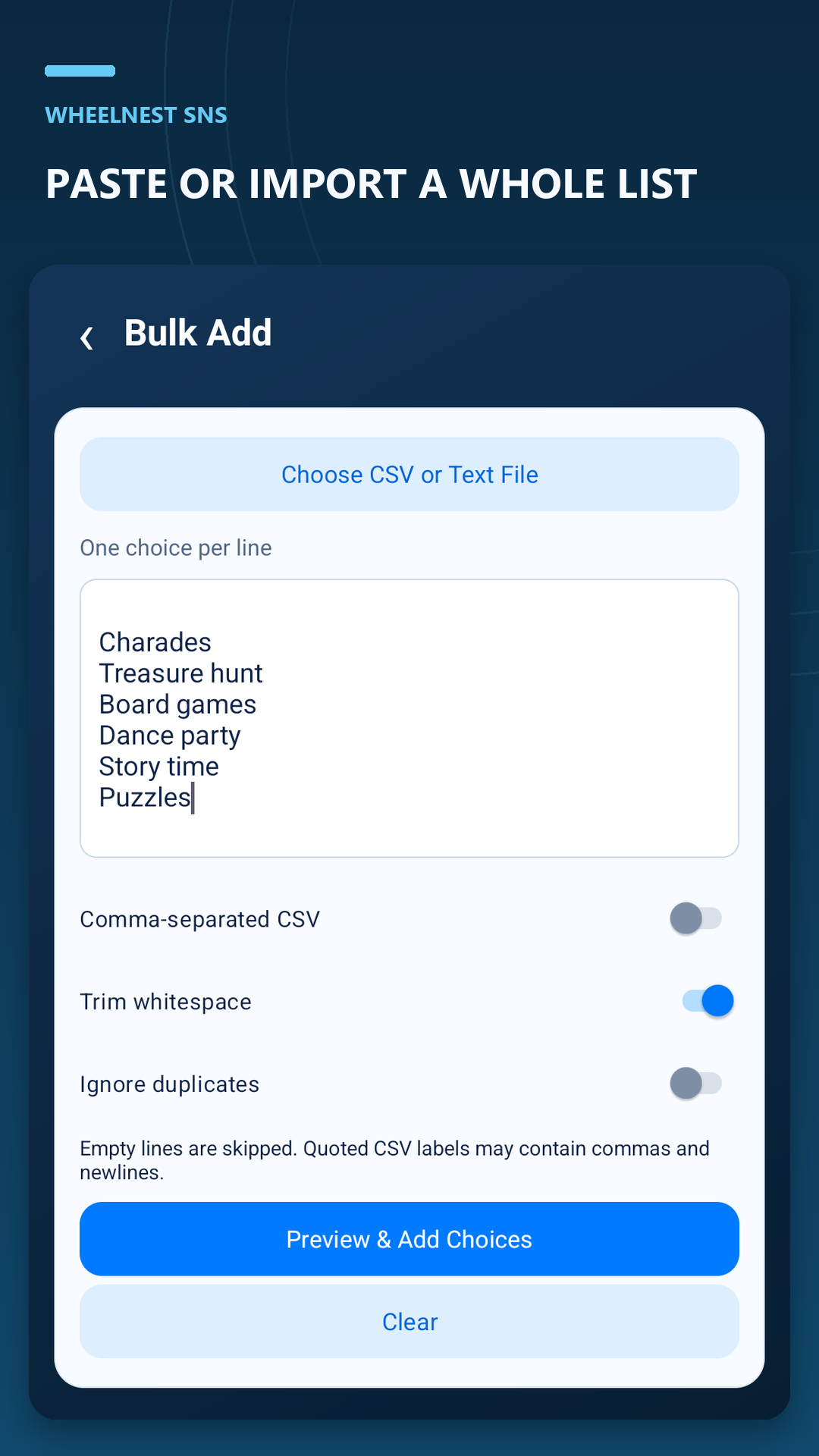
- Add a whole list. Paste one choice per line, or import choices from a text or CSV file with a preview before adding them.
- Make choices recognizable. Customize labels, colors, images, and emoji, along with the wheel’s appearance.
- Choose how selection works. Use equal positive weights for equal chances, or deliberately set different weights. Enable winner removal when you want to work through a list without repeats.
- Save and organize. Keep wheels in folders and revisit previous results in your spin history.
- Keep a backup. Export and restore a JSON backup of your wheels and related data. Text and CSV imports add choice lists; they are separate from full backups.
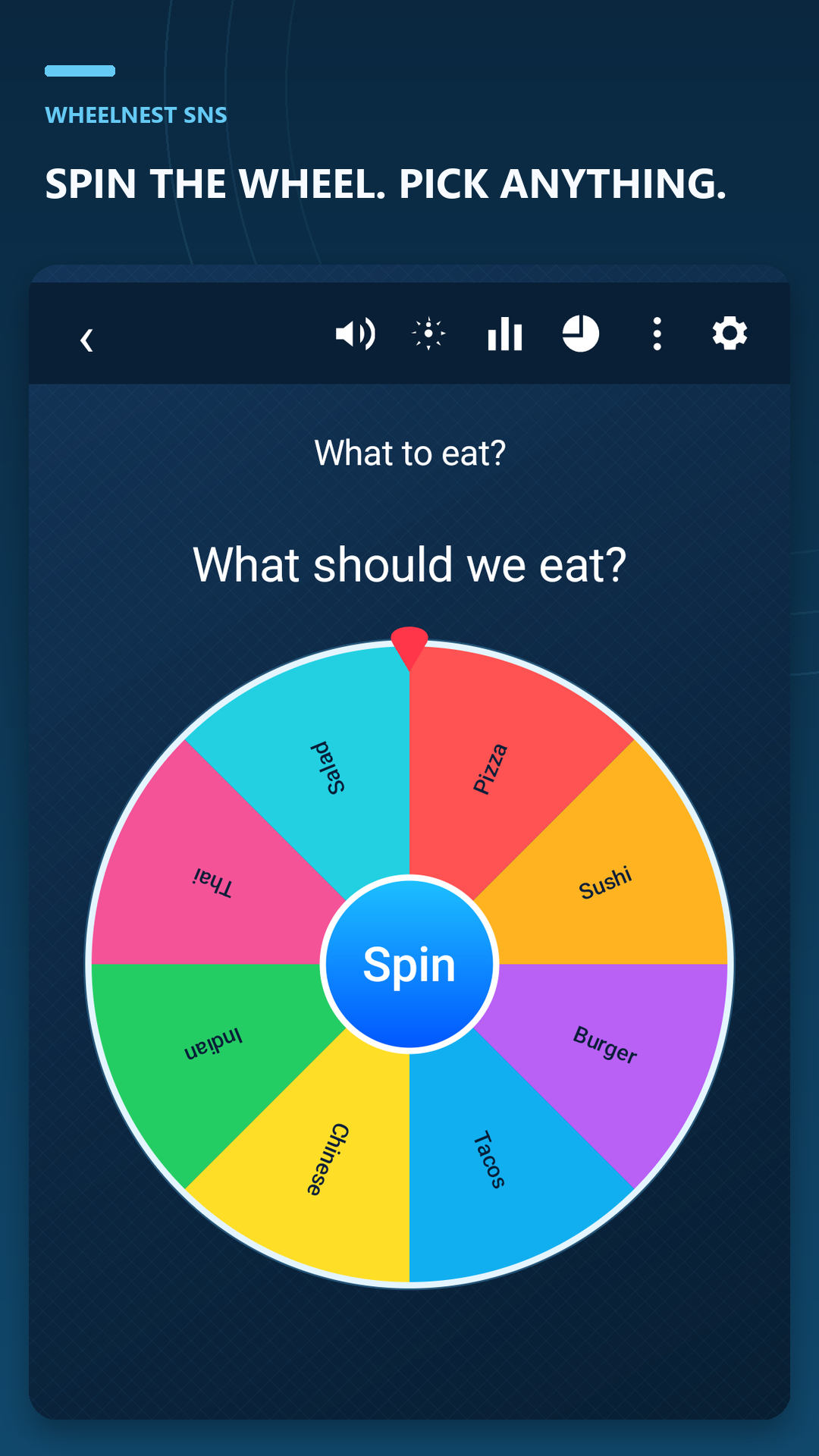
A look inside WheelNest
Make your first wheel
- Open WheelNest and create a wheel, or choose a template.
- Add your choices. For a longer list, open Bulk Add, paste one choice per line, and preview before adding.
- Review the choices and settings, save your wheel, then spin.
Questions before your first spin
Is WheelNest an online wheel I can spin on this website?
WheelNest SNS is an Android app. This website introduces the app and provides ideas and text lists you can use inside it. Download the app from Google Play to create and spin wheels.
Can I use it as a random name picker?
Yes. Add each name once and give each enabled entry the same positive weight for equal chances. For a turn order, turn on winner removal so a selected entry leaves the available pool. Check for duplicate names before starting.
Does a larger slice mean a higher chance?
Choice weights control the random selection. Equal positive weights give eligible entries equal chances; different weights change those chances. The app’s Fairness & Randomness screen explains probabilities. Use the normal random spin for random selection; Manual Stop is a separate interaction.
Can I save wheels and use them again?
Yes. WheelNest saves wheels, offers folders for organization, and records spin history. If winner removal is enabled, reset removed choices when you want to start a fresh round.
Can I import the lists on the ideas page?
Yes. Copy a list into Bulk Add, or download its text file and choose it using the CSV or text-file option. Preview the choices before adding them. These are suggested lists, not one-tap installable wheel templates.